Built by BytesFX
Medication Reminder
Owned product
A privacy-focused reminder PWA combines local schedules and notifications with optional encrypted synchronization across paired devices.
The problem
A daily medicine routine needs reminders that keep working without an account and without handing the schedule to a service, while sharing across devices should stay a deliberate choice.
What we built
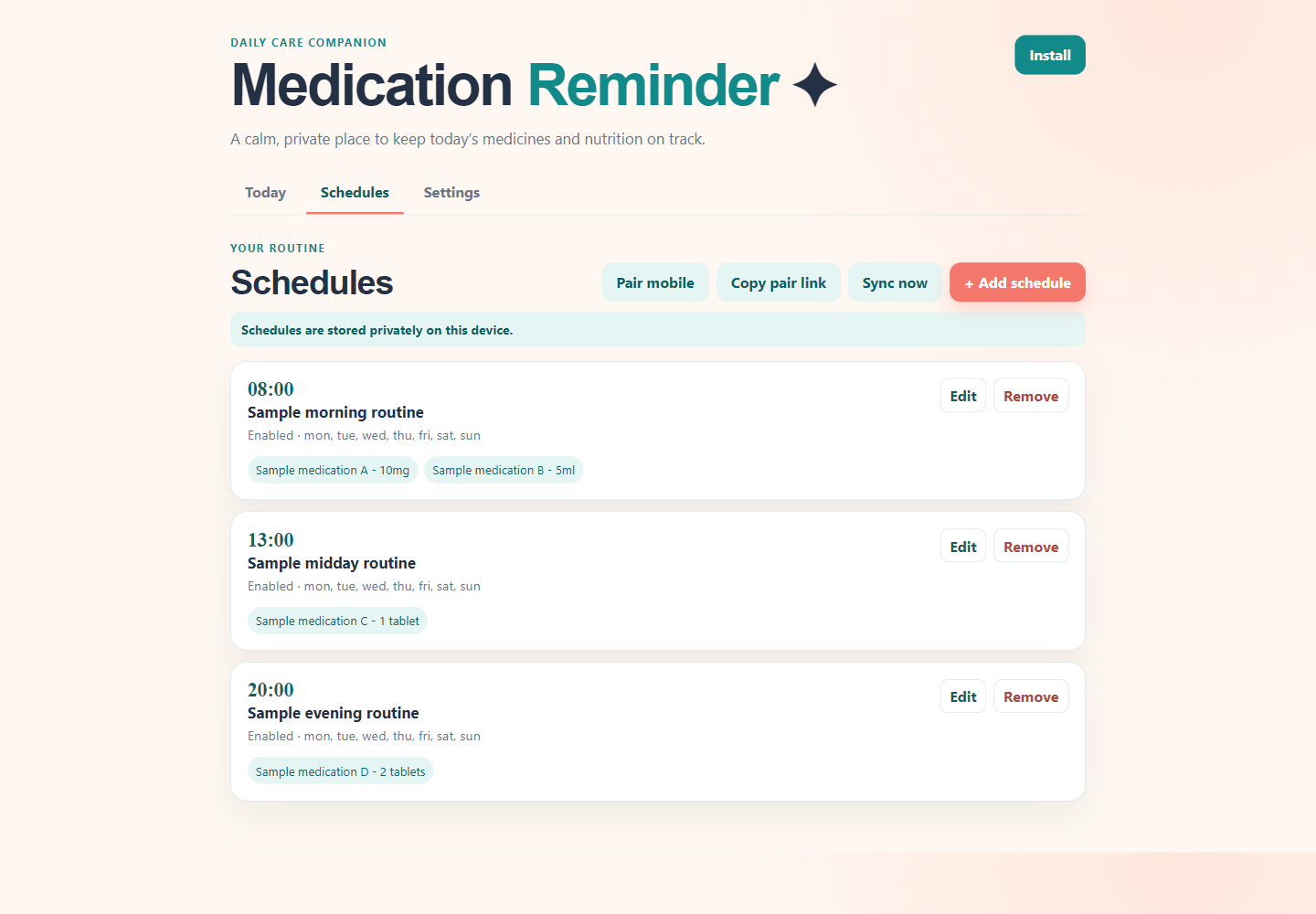
BytesFX built Medication Reminder as a local-first progressive web app. Schedules, dose records and settings live in the browser on the device, so the app opens and reminds offline. An account is optional and unlocks pairing, where a device is encrypted and claimed before any schedule moves between devices. The app presents what is stored locally and what has been shared, so the person using it can see which is which.
Local by default
Schedules, dose records and settings are written to the browser storage on the device they were entered on. The app installs on a phone or a desktop, opens without a connection and keeps reminding without an account.
Sharing is a deliberate step
An account unlocks pairing, where a second device is encrypted and claimed before any schedule moves. Until a device is paired, the routine stays on the device it was entered on.
Our delivery scope
BytesFX led the complete delivery, from design and development to integration and deployment.
- PWA schedule, reminder and notification experience
- Local-first storage and device-only privacy controls
- Optional account, pairing and encrypted synchronization
- Worker API for pairing claims and cross-device sync
- Packaging, deployment and documentation
Workflow
How the reminder works
A routine is entered once on the device that keeps it, and sharing across devices only happens when the person chooses it.
Plan and remind
-
Owner action
Add a routine
Enter the reminder time and what to take at it
-
Keep it on this device
The schedule is written to local browser storage
-
Remind on time
The app notifies even when the device is offline
-
Owner action
Record the dose
Mark a reminder as taken, or undo it
Share across devices, optionally
-
Owner action
Create an account
An account is only needed for sharing
-
Owner action
Pair the second device
The claim is encrypted and confirmed before any transfer
-
Sync the schedule
Paired devices receive the same routines
Follow the arrows within each workflow. Steps marked “Owner action” retain a human decision or action.