Built by BytesFX
File Converter
Owned product
A browser-local conversion, reading and saved-file workspace for documents, tables and images, with no file-upload or cloud-storage service.
The problem
Working with different document, data and image formats should not require separate conversion sites, readers and cloud accounts just to inspect or keep the result.
What we built
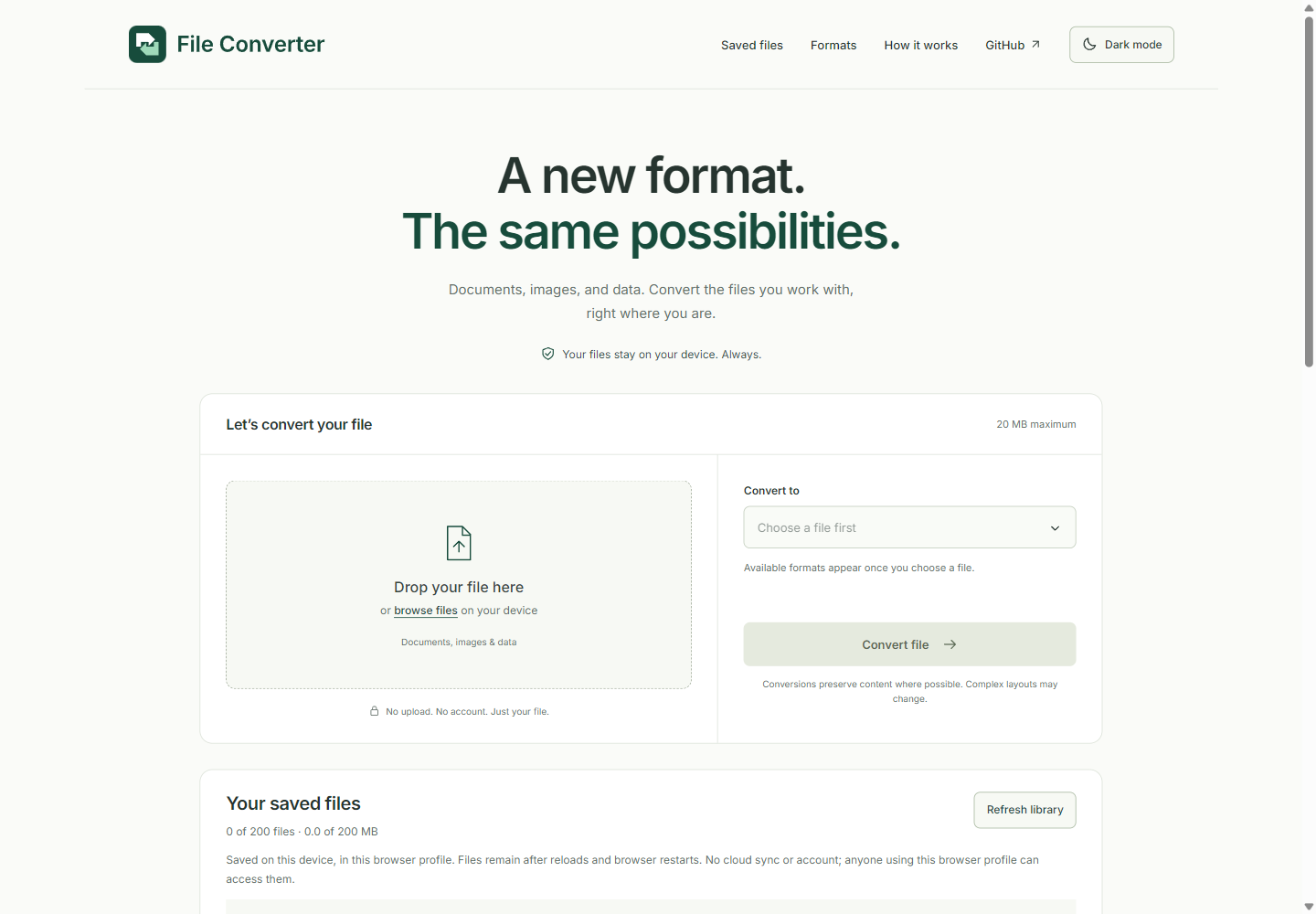
BytesFX built a browser-based workspace that combines compatible format conversion, native reading views and an explicitly saved local library. The application supports ten document, table and image formats across 44 conversion paths. Format adapters process files on-device; readers let users inspect source files and results, while downloads and a browser-local library provide separate ways to keep the output.
Convert and inspect in one workspace
The output selector exposes compatible targets. Readers cover PDFs, documents, plain text, tables, JSON and images, with PDF page navigation and readable document structure. Document conversion preserves text and basic structure rather than exact page layout; OCR is outside the product scope.
Explicit local storage
Users can download results or choose Save to library. The library stores metadata and file content in IndexedDB within the current browser profile, with confirmed deletion, duplicate protection and cross-tab refresh. It is device-local storage, not cloud sync; clearing site data can remove saved files, and anyone using the same browser profile can access them.
Our delivery scope
BytesFX led the complete delivery, from design and development to integration and deployment.
- Product design and TypeScript application
- Document/data/image conversion adapters
- Safe reading views and PDF navigation
- IndexedDB library, save/delete and cross-tab behavior
- Self-hosted assets and static Cloudflare deployment
Workflow
How the system works
Files are processed and read on-device. Saving to the library is a separate, explicit choice.
Convert and read
-
Choose a local file
Document, data or image input
-
Read or convert
Inspect the file or select a compatible format
-
Inspect the result
Reader view and output checks
-
Owner action
Download
Keep an exported copy on the device
Optional saved library
-
Owner action
Save explicitly
Store the chosen result in this browser
-
Local library
File and metadata in IndexedDB
-
Reopen or download
Read the saved result later
-
Owner action
Delete if needed
Confirm removal from the library
Follow the arrows within each workflow. Steps marked “Owner action” retain a human decision or action.